Block ads
Filter requests to common ad networks and hide known ad containers with blockAds.
 richscripts shotsBETA
SCREENSHOT API · NO SUBSCRIPTION
From a quick mobile preview to a full-page archive. Turn websites into crisp images and PDFs, in the playground or with one API call.
20 free API requests · No card required · Failed captures refunded
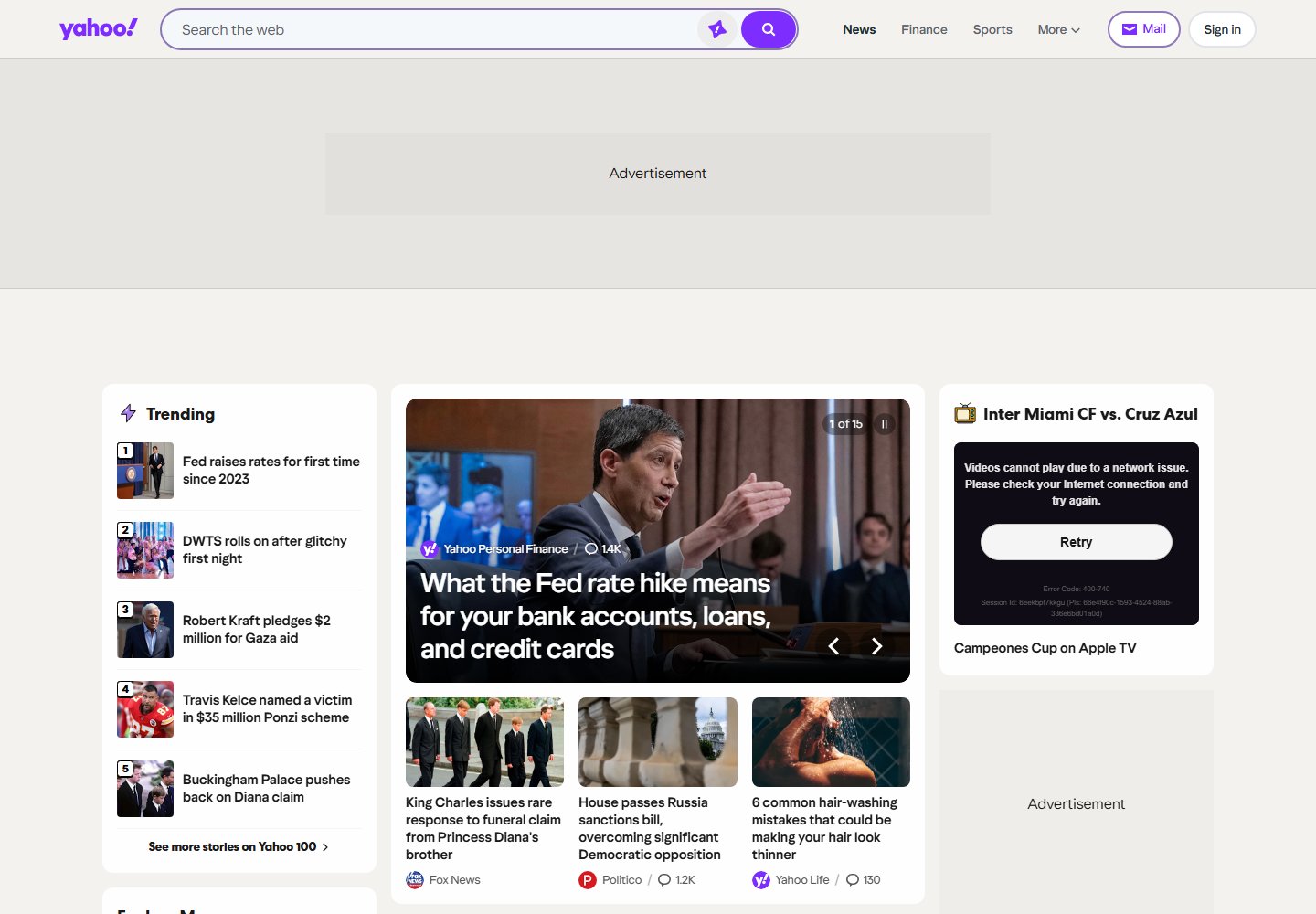
Real Yahoo capture · Appearance varies by region and date
ONE PAGE. SO MANY POSSIBILITIES.
Start with a recipe, then make it yours.
Capture beyond the fold with cleanup enabled.
Try full-page capture ↗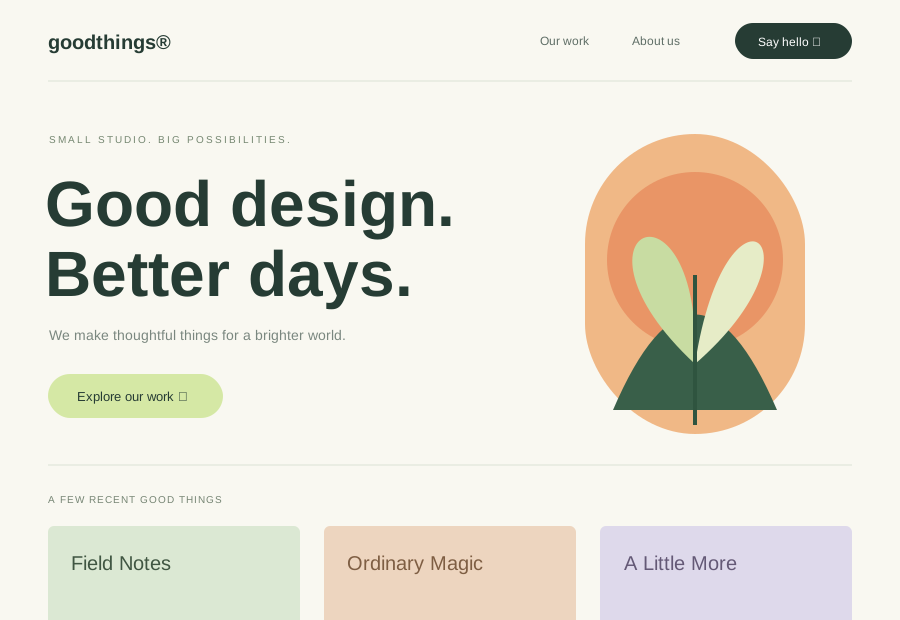
390 px viewport with touch emulation.
Try mobile capture ↗Export a page as a downloadable PDF.
Try a PDF capture ↗Desktop image is a sample capture. Mobile and document frames are illustrations.
QUICK START
No browser fleet to maintain and no Chromium updates to run. Send JSON with your API key and save the bytes that come back.
curl -X POST https://shots.richscripts.com/v1/screenshot \
  -H 'Authorization: Bearer YOUR_API_KEY' \
  -H 'Content-Type: application/json' \
  -d '{
    "url": "https://example.com",
    "fullPage": true,
    "deviceScaleFactor": 2,
    "blockCookieBanners": true,
    "format": "webp"
  }' \
--output screenshot.webpCLEAN SCREENSHOTS
Filter requests to common ad networks and hide known ad containers with blockAds.
Hide supported consent pop-ups such as OneTrust, Cookiebot and Didomi. No consent button is ever clicked.
Keep Intercom, Crisp, Tawk.to, Tidio, Drift and HubSpot bubbles out of the shot with blockChats.
Cleanup is best effort. Custom overlays and empty ad spaces may remain. Hide anything else with hideSelectors.
CUSTOMIZE EVERY CAPTURE
Capture the viewport, the whole scrolling page (lazy images load first), a single element by CSS selector, or an exact region.
Render at 2× or 3× pixel density, emulate a touch device, or switch to landscape. Any width from 320 to 2,560 px.
Turn on dark mode, hide elements, or add your own CSS before the capture.
Capture at DOM ready, full load or network idle. Or wait for a specific element, such as a chart that loads late.
Send markup instead of a URL to create social cards, certificates, invoices or email previews from a template.
Set a time zone and locale to capture region-specific dates, prices and translations.
USE CASES
Show a current image of every site in a directory, bookmarking tool, CMS or portfolio.
Render an HTML template at 1200×630 for each blog post or product page.
Save a dated PDF or full-page image of a page for records, audits or client reports.
Capture key pages on your own schedule and compare the results to spot broken layouts.
Capture a URL at desktop, tablet and mobile sizes, in light and dark mode, for design sign-off.
Connect the Shots MCP server so Claude, Cursor or other MCP clients can look at a web page.
WHY SHOTS
Buy credits when you need them. One successful capture uses one credit. Failed renders are refunded automatically.
Images come straight back in the response. We keep no screenshot files, and URL query strings are not recorded.
Every capture runs in a fresh, sandboxed Chromium with private networks blocked. Your API key never goes in a URL.
TRY A REAL CAPTURE
Try options in the playground, then copy the matching code for cURL, JavaScript, Python or C#.